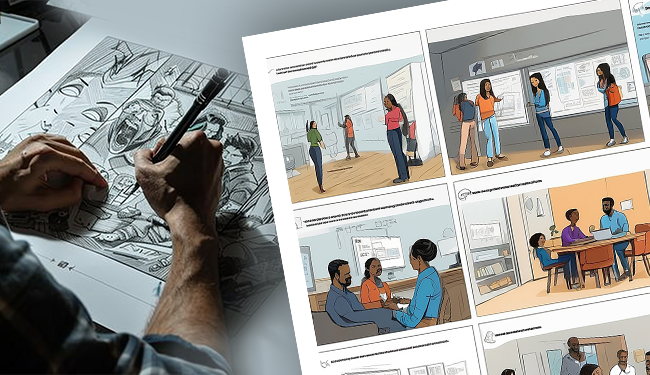
Storyboarding was always the link between concept and final delivery. It is more than mere drawing scenes for independent filmmakers, animation houses, marketers, e-learning developers, and game developers. It is a formalized method of visualizing, sharpening, and converging creative direction before production. Today, storyboarding software has become a robust platform that unifies drawing tools, 3D storyboard software, AI-based storyboarding tools, and cloud storyboarding collaboration. These solutions allow teams to reduce cycles of revision, ensure visual consistency, and prepare their work for production without miscommunication.
The tools available now cover every stage of the creative process, from script-to-storyboard generator platforms to immersive VR storyboarding tools. Whether you need film storyboard software for cinematic previsualization, digital storyboard software for marketing campaigns, or animatic storyboard software for animation projects, there is a solution tailored for your workflow. At Video Caddy, our professional animation and storyboarding services help clients align these tools with their production needs for a seamless creative process.
Below are ten of the most relevant storyboarding software options , catering to different industries and project needs.
1. LTX Studio

Source : https://ltx.studio/platform/ai-storyboard-generator
LTX Studio stands out as a storyboarding software built for modern preproduction teams. It blends script-to-storyboard generation with AI-assisted scene composition, making it ideal for directors and creative leads who need quick, accurate visualization. You can input a script and receive production-ready scene frames in minutes. As a result, a significant amount of manual drawing is eliminated, giving filmmakers and game designers additional time to perfect lighting configurations, camera positioning, and scene blocking. Real-time feedback is supported by its collaborative cloud storyboarding environment, which makes it useful for remote production teams.
2. Storyboarder by Wonder Unit

Source : https://wonderunit.com/storyboarder/
Storyboarder remains one of the industry’s most respected free storyboard software options. It focuses on speed and simplicity, allowing artists to draw frames, adjust panels, and export them into animatic storyboard software workflows without complexity. Independent filmmakers value its minimal interface, which keeps creative flow uninterrupted, while animation studios often use it for early-phase roughs before committing to more detailed design. Integration with other storyboard software makes it easy to move assets into production pipelines.
3. Boords

Source : https://boords.com/ai-storyboard-generator
Boords offers a streamlined approach to digital storyboard software with strong emphasis on collaboration. Teams can upload scripts, create scenes, and convert them into full animatics with synchronized timing. Marketing agencies benefit from its ability to present storyboards to clients in a professional online viewer, while e-learning developers appreciate the built-in version control. As more creative teams work remotely, its real-time storyboard collaboration tools have made it a go-to choice for keeping projects on track without version confusion.
4. FrameForge Storyboard Studio

FrameForge storyboard software is widely used as a film storyboard software for technical previsualization. It is beneficial in planning camera shots, lens choices, and scene layouts in 3D environments. Directors and cinematographers can experiment with blocking and camera moves before arriving on set. For game development teams, this 3D storyboard software supports building complex interactive environments with precise spatial references. Its accuracy in replicating real-world camera behavior reduces guesswork during production.
5. Toon Boom Storyboard Pro

Source : https://learn.toonboom.com/modules/3d-storyboard/topic/snapping-to-surface-or-ground
A standard in animation production is Toon Boom Storyboard Pro. It is equally suitable for 2D animators and studios producing animatic storyboard software projects since it integrates sketching tools, timeline-based editing, and camera motion capabilities. The ability to incorporate audio tracks allows for tight synchronization between visual cues and sound effects. For e-learning and training video production, this ensures scene pacing matches instructional goals. Studios offering 2D and 3D animation often rely on this for its versatility in managing complex visual storytelling.
6. Canva Storyboard Templates

Source : https://www.canva.com/storyboards/templates/
While Canva is known as a general design tool, its storyboard templates offer quick solutions for marketing and advertising professionals who do not require complex technical setups. Users can choose from multiple layouts, drag in assets, and use it as a professional storyboard creator tool without specialized design skills. It works well for campaign pitches, explainer videos, and content planning for social media. Canva’s collaborative cloud storyboarding features make it a light but effective option for fast-moving projects.
7. Plot.ai
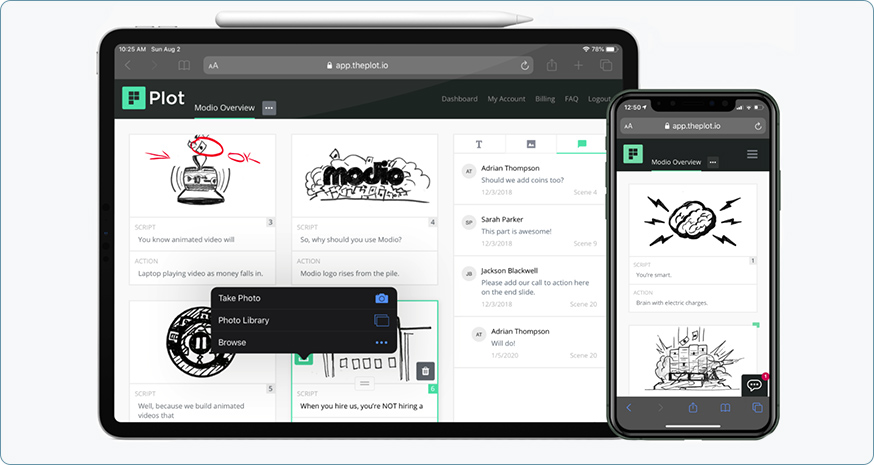
Plot.ai is an emerging AI-powered storyboarding tool designed for cinematic projects. Its script-to-storyboard generator capabilities allow teams to create visually rich sequences directly from written content. It is especially valuable for independent filmmakers looking to validate scene ideas before production. For advertising professionals, it can transform campaign scripts into compelling visual flows that help secure client approvals quickly. By
offering AI-generated imagery aligned with creative briefs, Plot.ai reduces the time from concept to presentation.
8. Krock.io

Source : https://krock.io/online-storyboards-creator/
Krock.io combines project management with visual production review. As a collaborative platform, it supports unlimited AI storyboard generation, annotation tools, and staged approvals. This makes it highly effective for animation studios and game developers working on multi-phase projects. Its versioning system ensures that every frame in a storyboard creator tool remains traceable, avoiding confusion during production. The inclusion of integrated feedback channels also accelerates decision-making in distributed teams.
9. PanelForge
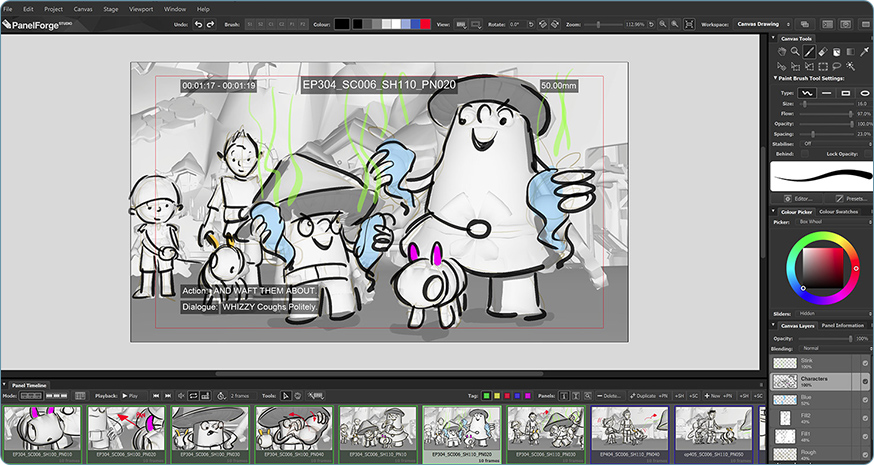
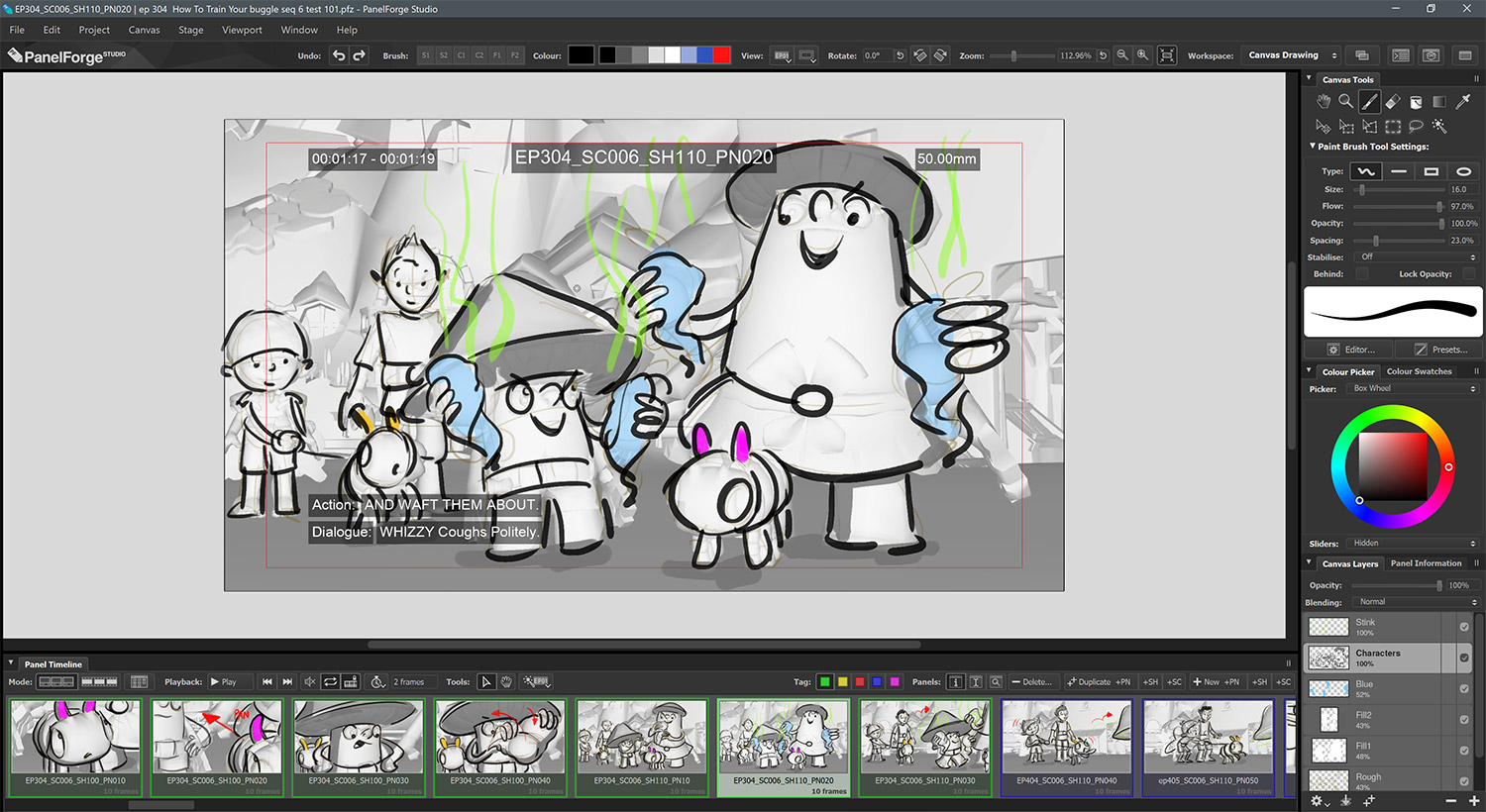
PanelForge is a versatile pre-visualization and storyboarding software that allows teams to plan, sketch quickly, and stage scenes in a user-friendly manner. Due to its interface, beginners and professionals can comfortably build story flows without being hindered by too complex features. Filmmakers utilize it to pre-plan shot compositions, and it assists animation teams and game designers with visualizing cutscenes and interactive story beats. The software benefits creative teams by providing an easy narrative without unnecessary complications.
10. StudioBinder

Source : https://www.studiobinder.com/storyboard-creator/
StudioBinder is not just a storyboarding software; it’s an industry-standard production management software for film, television, and content creation. The storyboard builder allows teams to enter photos, place frames, and send them to collaborators. Because it can manage shot lists, call sheets, scheduling, and storyboarding, agencies and filmmakers working with complex projects use StudioBinder. It also offers a central place for teams working on many productions where everything will be easily accessible and organized.
Trends Driving Storyboarding
The way creative teams approach storyboarding is evolving rapidly. New tools and workflows are making the process faster, more collaborative, and more immersive than ever before.
AI-Powered Storyboarding Tools
- Automate scene creation from scripts with the script-to-storyboard generator platforms
- Offer predictive scene suggestions, reducing time from concept to final storyboard.
3D and VR Storyboarding Tools
- Provide realistic spatial accuracy for set planning, camera angles, and action sequences.
- Support immersive VR storyboarding tools that allow teams to walk through scenes before production.
Real-Time Storyboard Collaboration
- Enable multiple team members to work on the same project simultaneously.
- ·Allow instant feedback and scene revisions without version confusion.
Animatic Storyboard Software Enhancements
- Include automated timing, integrated sound, and scene transitions for animation and video projects.
- Help match visual pacing to audio cues, especially in animation and e-learning production.
Educational and Industry-Specific Storyboarding
- E-learning developers use educational storyboard software to design lesson flows.
- Game designers rely on film storyboard software and 3D storyboard software for cinematic cutscenes and gameplay planning.
Cloud Storyboarding Collaboration
- Make sure teams across different places collaborate as if they were in the same room.
- Keep a single location for all storyboard assets and versions.
How to Choose the Right Storyboarding Software
Selecting the right storyboarding software starts with defining the scope of your project. Independent filmmakers may prioritize film storyboard software with technical camera simulation, while animation studios may need advanced animatic storyboard software for scene timing and transitions. Marketing teams often benefit from digital storyboard software with easy client-sharing features.
Consider whether your workflow demands AI-powered storyboarding tools or traditional storyboard animation software is sufficient. For the production of storyboards, think about collaboration features, compatibility with your existing storyboard software, and whether you are looking for integration with editing or animation tools.
Your storyboard-to-final cut process can be further optimized by working with a company that offers end-to-end video editing solutions. Free storyboard apps may work for specific teams, but more advanced ones like Boords AI storyboard builder or FrameForge storyboard software may be necessary for others.
Conclusion
The storyboarding process continues to adapt to changing creative and production needs. Nowadays, teams have access to tools that blend technical accuracy with artistic freedom, such as immersive VR storyboarding tools and the Shai AI storyboard generator. Whether you are creating a promotional campaign, an animated series, a feature film, or a video game, there is a storyboarding program that meets your needs. By matching the appropriate tool to your project’s demands, you can ensure that every frame contributes to the overall vision, enhance collaboration, and expedite production.
FAQS
Which is the best storyboarding software for filmmakers ?
For filmmakers, Storyboarder, Boords, and FrameForge are some of the best choices. They provide clean layouts, simple scene management, and features designed for film production. “Best” is a matter of your budget and workflow.
Can AI assist in accelerating the storyboarding process?
Yes. AI can automatically create draft visuals, provide scene layout recommendations, and even auto-sync dialogue with frames. It doesn’t eliminate creative input but can reduce early-stage planning time.
Which software is ideal for animation studios?
Animation studios tend to like software such as Toon Boom Storyboard Pro or Storyboarder. These have support for both 2D and 3D elements, allowing the planning of intricate animated scenes.
Is storyboarding software compatible with other B2B production tools?
Most storyboarding apps offer seamless compatibility with editing, animation, and project management tools. For instance, it is possible to export boards directly into video editing software or share them through team collaboration tools.
Which storyboarding tools best suit agencies handling multiple client projects?
Video Caddy